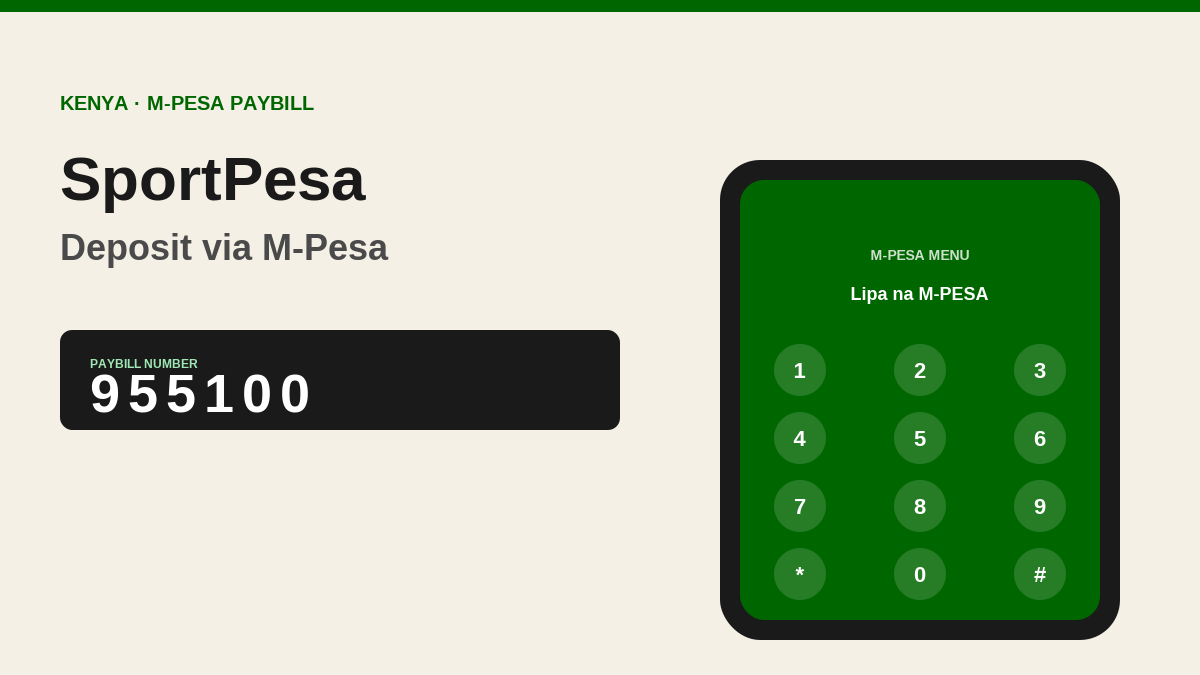
SportPesa PayBill number in Kenya is 955100. That is the official M-Pesa PayBill for depositing to SportPesa Kenya accounts in 2026. If a Telegram channel, WhatsApp forward or screenshot gives you any other number, treat it as a scam — scammers substitute their own PayBill numbers in viral screenshots to intercept deposits. This page covers how to deposit via PayBill 955100, the alternative deposit methods SportPesa supports (SMS, USSD, app-initiated), the common mistakes, and the fixes when a deposit does not credit.
SportPesa PayBill Number — The Essentials
PayBill business number: 955100
Account number: Your registered SportPesa phone number (Safaricom number used at registration)
Minimum deposit: KSh 99
Maximum per transaction: KSh 150,000 (Tier 2 M-Pesa) or KSh 300,000 (Tier 3)
Transaction fee: None (PayBill deposits are free at Safaricoms end for the depositor on amounts the standard tariff covers; higher amounts attract a small tariff per the current Safaricom schedule)
Credit time: Under 10 seconds for standard deposits
Step-by-Step: Deposit via M-Pesa PayBill
- Open the Safaricom M-Pesa app or dial *334#.
- Select Lipa na M-Pesa, then Pay Bill.
- Enter Business Number: 955100.
- Enter Account Number: your Safaricom phone number registered to SportPesa (10 digits, e.g. 0712345678).
- Enter the amount in KSh (minimum 99).
- Enter your M-Pesa PIN. Confirm.
- You receive the Safaricom confirmation SMS. Within 10 seconds, your SportPesa balance updates.
Alternative Deposit Methods SportPesa Supports
SMS deposit via shortcode 79079: Send DEPOSIT amount to 79079 from your registered Safaricom number. SportPesa triggers an M-Pesa push on your phone — you confirm with your M-Pesa PIN. Useful when the SportPesa app is slow to load or you are on a feature phone.
USSD: *955#: Dial *955# from your registered Safaricom number. Menu-driven deposit flow — select Deposit, enter amount, confirm with M-Pesa PIN. Works on all phones.
App-initiated deposit: In the SportPesa Android/iOS app, Deposit section → M-Pesa → enter amount. The app triggers an M-Pesa push to your phone for PIN entry. Fastest flow on smartphones.
Airtel Money: Separate rail. Different PayBill or shortcode flow (check the current SportPesa deposit page).
Common Mistakes
- Depositing to a different PayBill. 955100 is SportPesa. Betika uses 290290. 22Bet uses 290300. Odibets uses 290901. Mozzartbet uses 290100. Mixing them up sends your money to the wrong operator — recovery is possible but painful.
- Depositing from a non-registered number. SportPesa only credits deposits made from the Safaricom number registered to your account. A deposit from a friends phone to your account number will be held in review and most often refunded after 24-48 hours.
- Entering the wrong account number. The account number is your phone number as stored at SportPesa (usually 10 digits starting with 0). Entering a different number sends the deposit to someone elses SportPesa account.
- Trusting a PayBill number from a screenshot. Scammers substitute PayBill numbers in viral social-media screenshots. Always copy the number from SportPesas own cashier screen.
Verifying You Are Using the Real SportPesa
Only deposit to 955100. If you see a screenshot or WhatsApp forward with a different "SportPesa PayBill" number (955101, 95510, 995100, etc.), it is a scam. SportPesas official PayBill number has been 955100 since relaunch in 2020.
Verify the real number by:
- Logging into sportpesa.com/ke and checking the deposit page
- Calling SportPesa customer service via their official Kenya number
- Visiting the SportPesa Nairobi head office in person
What If the Deposit Does Not Credit?
If M-Pesa confirms the transaction but SportPesa does not credit the balance:
- Wait 2-3 minutes. Standard credit is sub-10-seconds but occasional delays happen during peak evening hours.
- Check your transaction confirmation code (the 10-character code in the Safaricom SMS, e.g. "QGH8UZB5P2"). Confirm the PayBill is 955100 and the account number is your registered SportPesa phone number.
- Log in to SportPesa and check Account → Transactions → Deposits.
- If the deposit still does not show after 10 minutes, contact SportPesa support via live chat with the transaction code. Typical response 3-5 minutes during business hours.
Tax and Compliance Notes
Deposits do not trigger any tax — the 20 percent Kenyan withholding tax applies only to winnings, not to the money you put in. The 20 percent betting excise tax is applied to stakes (not deposits) when you place a bet. Deposits are not taxed; only betting activity is. BCLB-licensed operators handle tax deductions at source correctly.
Security Reminders
Never share your M-Pesa PIN with anyone. SportPesa does not call customers asking for PINs. Scammers claiming to be "SportPesa agents" calling to verify your account and asking for PINs are phishing — hang up and block the number. Enable M-Pesa PIN change in Safaricoms app if you suspect your PIN is compromised.
Responsible Gambling
The ease of M-Pesa deposits is what makes Kenyan gambling so accessible — and also what makes it dangerous when it becomes compulsive. SportPesa. Kenyas NACADA helpline on 1192 is free from all networks and handles gambling-related support.